
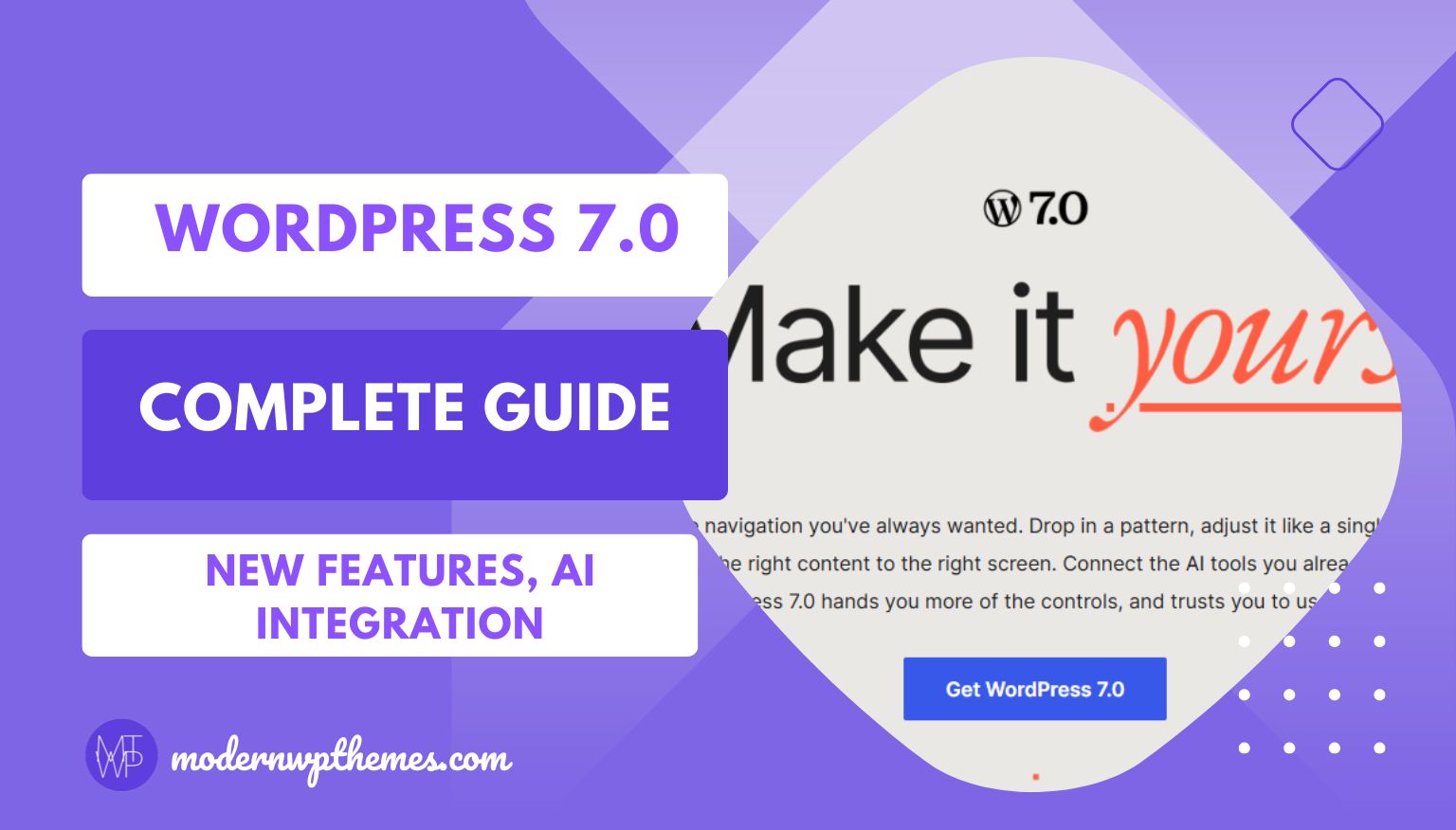
WordPress 7.0 officially launched on May 20, 2026, marking one of the most significant updates in the content management system’s history. This major release introduces artificial intelligence integration, a redesigned admin dashboard, powerful new editing tools, and sets the foundation for Phase 3 of the Gutenberg project focused on collaboration and workflow improvements.
Whether you’re a website owner, developer, content creator, or agency professional, understanding the WordPress 7.0 features and changes will help you leverage the platform’s evolution while maintaining site stability and performance.
What Makes WordPress 7.0 Different from Previous Versions?
Unlike incremental updates that focus on bug fixes and minor enhancements, WordPress 7.0 represents a fundamental transformation of the platform. The update merges features from Gutenberg plugin versions 22.0 through 22.6 into the WordPress core, bringing enterprise-level capabilities to millions of websites worldwide.
The release was originally scheduled for April 9, 2026, but the WordPress core team extended the timeline to May 20, 2026, to address critical architectural improvements. This delay ensured proper database stability and performance optimization, particularly around the planned real-time collaboration features.
Key Development Timeline:
- Beta Phase: February 19 to March 12, 2026
- Release Candidate Phase: March 19 to May 19, 2026 (extended)
- Final Release: May 20, 2026
WordPress 7.0 AI Integration: The WP AI Client API
The most transformative feature in WordPress 7.0 is the introduction of the Web Client AI API, a standardized framework that allows plugins and themes to connect with external artificial intelligence providers directly from the WordPress dashboard.
How the WordPress AI API Works
The AI Client creates a provider-agnostic interface, meaning WordPress core doesn’t include AI models itself. Instead, it establishes a unified connection system where developers can integrate AI services like:
- OpenAI (ChatGPT, GPT-4)
- Anthropic (Claude)
- Google (Gemini)
- Custom large language models (LLMs)
This standardized approach prevents the fragmentation that plagued earlier AI WordPress plugins, where each tool required separate API keys and configuration.
Accessing AI Features in WordPress 7.0
Users can manage AI integrations through a new Settings > Connectors menu in the WordPress admin dashboard. Here’s what this interface provides:
- Shared API Key Management: Enter credentials once, and all compatible plugins access the same connection
- Provider Selection: Choose from pre-registered AI services or add custom providers
- Permission Controls: Define exactly what AI tools can do on your site
- Opt-In Architecture: AI features remain completely disabled until you manually connect a provider
Important: WordPress 7.0 does not automatically connect to any AI service. All artificial intelligence functionality is completely opt-in, ensuring privacy and control for website owners who prefer not to use AI tools.
Practical AI Use Cases in WordPress
With the AI Client API established, plugins can now offer:
- Content Generation: Draft blog posts, product descriptions, and page content
- SEO Optimization: Auto-generate meta descriptions and title tags
- Image Alt Text Creation: Automatically describe images for accessibility
- Tone Adjustment: Rewrite existing content in different voices
- Translation Assistance: Convert content between languages
- Pattern Building: Create complex block layouts from natural language prompts
The Abilities API: Controlling What AI Can Do
Alongside the AI Client, WordPress 7.0 introduces the Client-Side Abilities API, a security framework that defines permitted actions for AI tools and browser-based capabilities.
Why the Abilities API Matters
Without proper boundaries, AI integrations could potentially:
- Modify critical site settings
- Delete important content
- Access sensitive user data
- Perform unauthorized database operations
The Abilities API prevents these risks by requiring plugins to explicitly register their capabilities. AI services can only perform actions that administrators have specifically authorized.
Abilities API Features:
- Permission Callbacks: Define who can access which AI functions
- Input/Output Schemas: Standardize data formats for consistency
- Browser-Side Integration: JavaScript packages (@wordpress/abilities and @wordpress/core-abilities) manage client-side permissions
- REST API Integration: Server-registered abilities automatically sync via WordPress REST endpoints
For developers building AI-powered WordPress plugins, implementing the Abilities API ensures your tools work seamlessly with the new architecture while maintaining enterprise-grade security standards.
WordPress 7.0 Admin Dashboard Redesign
The WordPress administration interface receives its first major visual refresh in years, creating a more cohesive experience that aligns with the block editor and site editor aesthetics.
What Changed in the Admin Area:
Visual Design Updates:
- Modern color palette with improved contrast ratios
- Updated typography for enhanced readability
- Refined button and form element styling
- Smoother transitions between admin screens
- Consistent design language across all panels
Important Note: These changes are primarily cosmetic. No menus have been relocated, no settings have been renamed, and the overall workflow remains unchanged. Long-time WordPress users won’t need to relearn navigation.
DataViews: The New Admin List Interface
WordPress 7.0 replaces traditional PHP-rendered admin tables with DataViews, a React-based content management interface that transforms how you interact with posts, pages, media files, and user lists.
DataViews Advantages:
- Zero-Reload Interactions: Filter, sort, and bulk edit without refreshing the page
- Multiple View Modes: Switch between grid layout and traditional list view
- Instant Filtering: Apply criteria and see results immediately
- Advanced Bulk Operations: Manage multiple items efficiently
- Persistent Preferences: Your view settings save automatically
For website owners managing hundreds or thousands of posts, DataViews significantly accelerates content management workflows, reducing the time spent waiting for pages to load.
New Blocks and Design Tools in WordPress 7.0
The block editor (Gutenberg) receives substantial enhancements with new core blocks and expanded design capabilities.
New Core Blocks:
1. Breadcrumbs Block Displays hierarchical page navigation automatically, improving site structure and SEO. The breadcrumb trail reflects your actual page hierarchy without requiring third-party plugins.
2. Icon Block Add standalone icons from the WordPress icon library directly into your content, useful for feature lists, service descriptions, and visual emphasis.
3. Tabs Block Create tabbed content interfaces within the editor, perfect for organizing product specifications, FAQ sections, or multi-section content without page scrolling.
Enhanced Typography Controls
The Font Library, previously limited to block themes, now works with classic WordPress themes. This universal availability means all WordPress sites can:
- Upload custom fonts directly through the dashboard
- Manage typography from a central location
- Apply consistent font styling across the entire site
- Access new text decoration options (underline, strikethrough variations)
- Control line-height and letter-spacing at the block level
New typography settings appear in the Appearance > Fonts screen and within individual Text blocks through expanded “Typography” panels.
Responsive Editing Controls
While not as comprehensive as initially planned, WordPress 7.0 includes foundational responsive editing features that let you customize how blocks appear on different devices:
- Hide specific blocks on mobile, tablet, or desktop
- Adjust spacing and margins based on screen size
- Customize navigation menus for mobile visitors
- Set device-specific font sizes and styles
These responsive controls reduce the need for custom CSS code for basic mobile optimization tasks.
Revision System Improvements
Content revision comparison receives a major upgrade in WordPress 7.0, moving from HTML code comparison to a visual interface within the Gutenberg editor.
New Revision Features:
Block-Level Revision Architecture: Instead of comparing entire page HTML, WordPress 7.0 tracks changes at the individual block level, making it immediately clear which specific sections were modified.
Visual Comparison Interface: The revision screen now displays changes in a clean, readable format that highlights:
- Added content (shown in green)
- Removed content (shown in red)
- Modified blocks (with clear before/after views)
- Timestamp and author information for each revision
One-Click Restoration: Revert to any previous version with a single button click, eliminating the need to manually copy and paste content from revision history.
For content teams managing complex editorial workflows, these revision improvements make collaboration significantly more manageable and reduce the risk of accidentally losing important content changes.
PHP Version Requirements: Minimum PHP 7.4
WordPress 7.0 raises the minimum supported PHP version from 7.2 to PHP 7.4, ending support for PHP 7.2 and 7.3.
Why This Change Matters:
For Site Owners: If your hosting environment runs PHP 7.2 or 7.3, your WordPress installation will remain on the 6.9 branch after the 7.0 release. You’ll continue receiving security updates but won’t access new features until upgrading PHP.
According to WordPress usage statistics, PHP 7.2 and 7.3 usage dropped below 4% of monitored installations—well under the project’s traditional 5% retirement threshold.
Performance and Security Benefits of PHP 7.4:
- Improved execution speed and memory efficiency
- Enhanced security features and vulnerability patches
- Access to modern PHP capabilities (typed properties, arrow functions)
- Better compatibility with contemporary WordPress plugins and themes
Action Required: Check your current PHP version in your hosting control panel or contact your hosting provider. Most managed WordPress hosts support PHP 8.0 or higher, making the upgrade straightforward.
What Happened to Real-Time Collaboration?
Real-time collaborative editing was originally WordPress 7.0’s headline feature, promising Google Docs-style simultaneous editing within the block editor. However, this functionality was removed on May 8, 2026, during the final release candidate testing phase.
Why Real-Time Collaboration Was Postponed
The WordPress core team identified critical issues during stress testing:
- Race Conditions: Concurrent edits created data conflicts
- Database Performance: Server memory load escalated with multiple simultaneous users
- Stability Concerns: Fuzz testing revealed edge cases that could corrupt content
Rather than ship a partially functional feature, the development team made the difficult decision to defer real-time collaboration to WordPress 7.1, expected in August 2026.
What Shipped Instead: Block-Level Notes
While live co-editing was delayed, WordPress 7.0 includes an enhanced Notes system for editorial collaboration:
- Inline Comments: Add comments directly within blocks
- Real-Time Syncing: Notes sync immediately across users
- Keyboard Shortcuts: Quick comment addition without mouse interaction
- Offline Support: Notes save locally and sync when reconnecting
For most editorial teams, the Notes system covers the majority of daily collaboration needs, even without simultaneous editing.
Developer-Focused Improvements
WordPress 7.0 includes several technical enhancements specifically designed for plugin and theme developers.
PHP-Only Block Registration
Previously, creating custom blocks required writing both PHP and JavaScript code. WordPress 7.0 introduces PHP-only block registration with auto-generated inspector controls, dramatically reducing the JavaScript complexity required to ship functional blocks.
Benefits:
- Faster block development cycles
- Lower barrier to entry for PHP developers
- Automatic control panel generation
- Reduced code maintenance burden
Iframed Block Editor
The block editor now renders inside an iframe, providing better style isolation between the admin interface and editor content. This prevents admin CSS from inadvertently affecting how your content displays during editing.
Pseudo-Class Support in theme.json
Theme developers can now define hover, focus, and active states directly in theme.json configuration files, eliminating the need for separate CSS files for interactive element styling.
Command Palette (Ctrl+K / Cmd+K)
A new keyboard-activated command palette lets users quickly access WordPress admin functions without navigating through menus. Press Ctrl+K (Windows) or Cmd+K (Mac) to open the palette and type to search for:
- Admin pages and settings
- Block insertion commands
- Content management actions
- Plugin and theme controls
Should You Update to WordPress 7.0?
For most WordPress websites, updating to WordPress 7.0 is recommended, as major releases include important security fixes and performance improvements. However, timing and preparation matter.
Best Practices for Updating:
1. Wait 1-2 Weeks Post-Release Allow plugin and theme developers time to push compatibility updates. Early adoption can expose compatibility issues with third-party extensions.
2. Create Complete Backups Use a reliable backup plugin (UpdraftPlus, BlogVault, BackupBuddy) or your hosting provider’s backup system to create full-site snapshots before updating.
3. Test in Staging First If you run a business-critical website, test the WordPress 7.0 update in a staging environment before applying it to your live site.
4. Check PHP Version Verify you’re running PHP 7.4 or higher. Contact your hosting provider if you need to upgrade PHP versions.
5. Review Plugin Compatibility Check your essential plugins’ compatibility status on WordPress.org or the developer’s website before updating.
Who Should Update Immediately:
- Development and staging sites
- New WordPress installations
- Sites already running block themes
- Users wanting to experiment with AI integrations
Who Should Wait:
- High-traffic e-commerce sites during peak seasons
- Sites with heavily customized legacy themes
- Installations with plugins that haven’t confirmed 7.0 compatibility
- Sites still running PHP 7.2 or 7.3 (automatic update is blocked)
WordPress 7.0 Impact on SEO and Performance
Search engine optimization and website speed remain critical concerns for WordPress users. Here’s how WordPress 7.0 affects both areas.
SEO Improvements:
Breadcrumbs Block: Native breadcrumb support improves site structure signals for search engines, helping Google understand your content hierarchy.
Enhanced Revision History: Better content version control reduces the risk of accidentally deleting valuable content that ranks well.
AI-Powered Meta Descriptions: With AI integration, plugins can now auto-generate SEO-optimized meta descriptions directly from the block editor, saving time while maintaining search visibility.
Performance Considerations:
Client-Side Media Processing: WordPress 7.0 introduces browser-based media processing using WebAssembly, reducing server load during image uploads and transformations.
DataViews Efficiency: The React-based admin interface eliminates full-page reloads, speeding up content management workflows.
PHP 7.4 Requirements: Minimum PHP version increase ensures better execution speed and memory efficiency across all WordPress installations.
Potential Concerns: The new JavaScript-heavy admin interface may feel slower on very low-end hosting environments. Most modern managed WordPress hosts handle the additional client-side processing without issues.
Frequently Asked Questions About WordPress 7.0
Q: Does WordPress 7.0 automatically use AI on my website? No. AI integration is completely opt-in. WordPress doesn’t connect to any AI provider until you manually install a connector and add an API key in Settings > Connectors.
Q: Will my current theme and plugins work with WordPress 7.0? Most well-maintained themes and plugins should work without issues. Check with developers for confirmed compatibility, especially for complex plugins.
Q: Can I skip WordPress 7.0 and wait for 7.1? Yes, but you’ll miss security updates included in major releases. WordPress 6.9 users will continue receiving critical security patches for a limited time.
Q: How do I rollback if WordPress 7.0 causes problems? Restore from your pre-update backup. This is why creating backups before major updates is essential.
Q: Will WordPress 7.0 break my custom code? Code following WordPress coding standards and using public APIs should continue working. Custom code that relies on deprecated functions may need updates.
Q: Is the new admin interface required, or can I use the classic look? The visual refresh applies to all WordPress 7.0 installations. However, the layout and navigation remain unchanged, so functionality isn’t affected.
Q: How much will AI features cost? WordPress 7.0’s AI Client is free. However, you’ll need your own API keys from AI providers (OpenAI, Anthropic, Google), which charge based on usage. Many providers offer free tiers for testing.
What’s Next: WordPress Roadmap Beyond 7.0
WordPress follows a predictable release cycle, and the project roadmap indicates what’s coming in future versions.
Expected 2026 Release Schedule:
- WordPress 7.0: May 2026 (launched)
- WordPress 7.1: August 2026 (anticipated)
- WordPress 7.2: December 2026 (projected)
Future Phase 3 Features:
WordPress 7.0 opens Phase 3 (Collaboration) but doesn’t complete it. Expected Phase 3 additions include:
- Real-time collaborative editing (deferred from 7.0)
- Advanced workflow automation
- Team-based publishing controls
- Enhanced permission systems
- Collaborative design tools
Phase 4 Preview:
Looking further ahead, Phase 4 focuses on core multilingual support, bringing native multi-language capabilities directly into WordPress without requiring third-party plugins like WPML or Polylang.
Conclusion: WordPress 7.0 Represents Strategic Evolution
WordPress 7.0 marks a significant milestone in the platform’s 20-year history. By introducing standardized AI integration, modernizing the admin interface, and establishing infrastructure for advanced collaboration features, this release positions WordPress for the next decade of web publishing.
The decision to delay real-time collaboration demonstrates the WordPress project’s commitment to stability over rushing features to market. For the millions of websites powered by WordPress, this conservative approach maintains the reliability that makes WordPress the world’s most popular content management system.
Whether you manage a personal blog, run an e-commerce store, or build client websites professionally, WordPress 7.0 provides tools that streamline workflows, expand creative possibilities, and prepare your site for emerging technologies like artificial intelligence integration.
Before updating, remember to: ✅ Create complete website backups ✅ Verify PHP 7.4+ compatibility
✅ Check essential plugin compatibility ✅ Test in staging environment if possible ✅ Review hosting provider’s WordPress 7.0 support
WordPress 7.0 is available now for download through the WordPress.org repository or via automatic updates through your WordPress dashboard.