

As someone who regularly works with blogs, SEO content, and online tools, I’ve realized that character counting is no longer just about numbers. Whether I’m writing meta descriptions, social media captions, resumes, or long-form articles, staying within character and word limits is critical. Over time, I’ve tested multiple character counter tools to find ones that are fast, accurate, and actually useful in real-world writing scenarios.
In this article, I’m sharing the best free online character counter tools based strictly on the actual data they provide, starting with a tool I personally built to solve common limitations I noticed in existing solutions.
Best Free Online Character Counter Tools
1. Free Online Character Counter Tool by ModernWPThemes
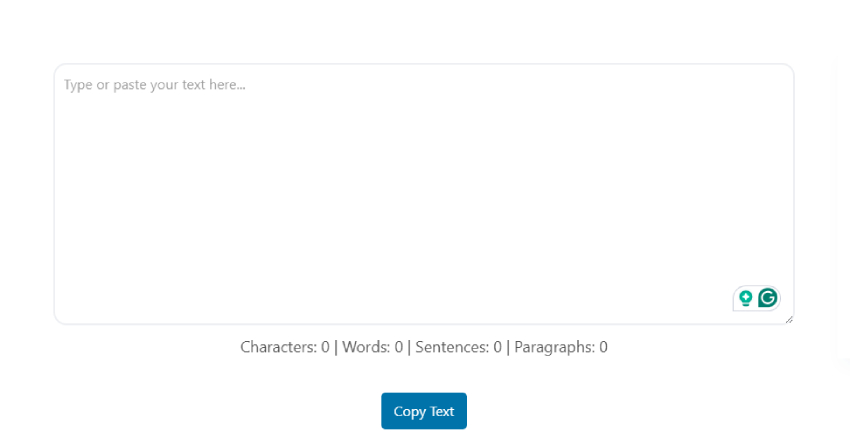
I created the Free Online Character Counter Tool by ModernWPThemes because I wanted a clean, fast, and distraction-free way to check essential text metrics while working on WordPress content and SEO tasks. This tool provides real-time counts for characters, words, sentences, and paragraphs, which covers exactly what I need for most writing use cases.
What I personally like about this tool is its simplicity. There’s no login, no data storage, and no unnecessary analytics that slow things down. I often use it while writing meta descriptions, blog drafts, and form content where character limits matter. The tool works smoothly on both desktop and mobile, making it easy to use whenever inspiration strikes.
If you’re someone who prefers accuracy, speed, and privacy without extra clutter, this tool is built with that mindset.
2. Grammarly Character Counter
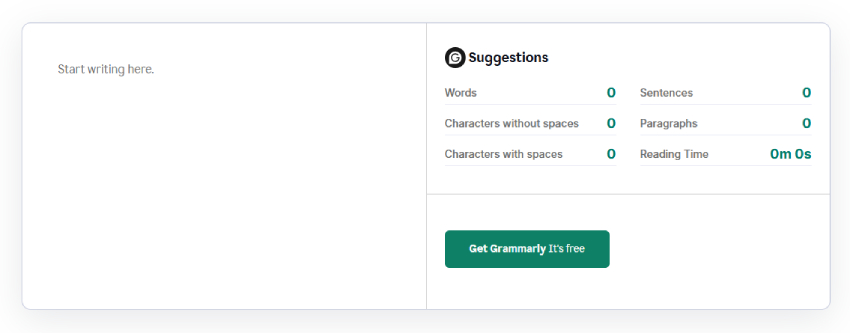
I’ve used Grammarly’s character counter mainly when I’m already working inside the Grammarly ecosystem. It provides a detailed breakdown, including words, characters with spaces, characters without spaces, sentences, paragraphs, and reading time, which is helpful when I want a complete overview of content length and readability.
The reading time feature is something I find useful when planning blog content or estimating user engagement. However, for quick character checks, I feel Grammarly can be a bit heavy since it’s designed as a full writing assistant rather than a lightweight counter. Still, it’s a solid option for professional editing and polished writing.
3. QuillBot Character Counter
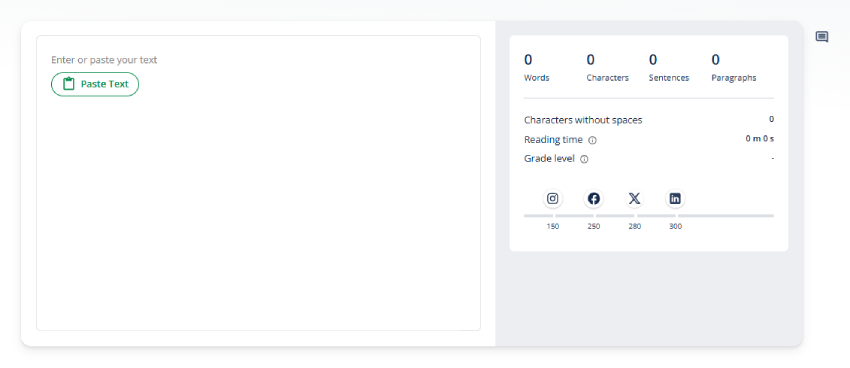
I usually recommend the QuillBot character counter to students or users who already rely on QuillBot for rewriting and paraphrasing. It provides words, characters, characters without spaces, sentences, paragraphs, reading time, and grade level, which is useful for evaluating both text length and complexity.
The grade level indicator is especially helpful when writing academic or informational content for specific audiences. That said, when my focus is purely on SEO or quick character limits, I find that these extra insights are not always necessary. QuillBot works best when used alongside content rewriting workflows.
4. WordCounter.net Character Count Tool
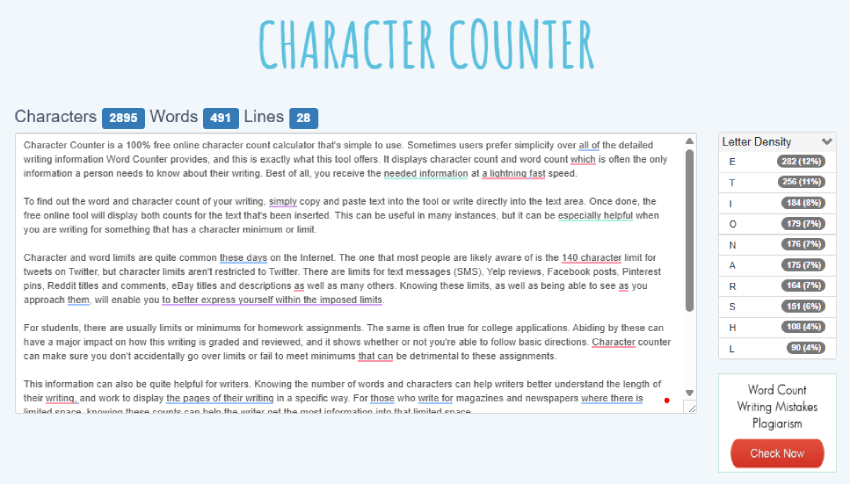
When I want something extremely straightforward, I turn to WordCounter.net. It displays characters, words, and lines, which is often all I need when working with strict limits. The tool allows me to paste text or write directly in the editor and get instant results.
What sets this tool apart is the educational context it provides. It clearly explains why character and word limits matter across platforms like social media posts, SMS, resumes, academic assignments, and even multilingual writing. I also find the letter density analysis interesting when reviewing structured or analytical text.
5. CharacterCountOnline.com
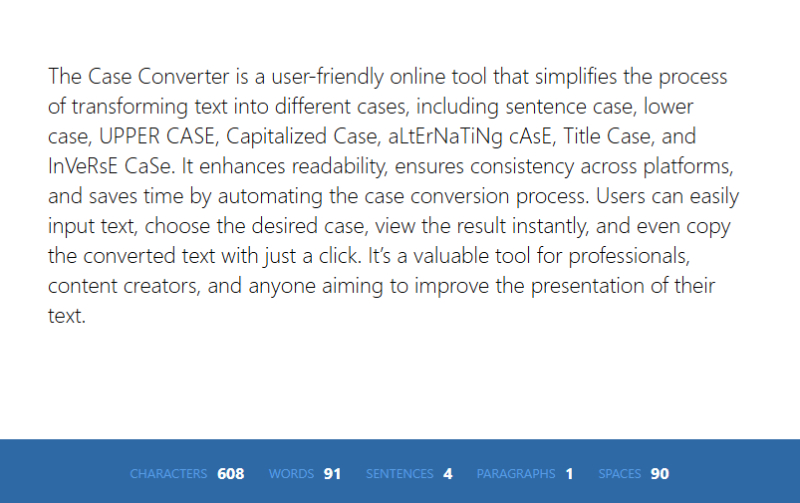
I’ve used CharacterCountOnline.com occasionally when I needed a quick breakdown of characters, words, sentences, paragraphs, and spaces. The inclusion of space count is useful in scenarios like SMS writing or form inputs where spaces affect limits.
However, compared to newer tools, the interface feels outdated, and performance is not as smooth. It works fine for occasional use, but it’s not something I rely on regularly for daily writing tasks.
Frequently Asked Questions (FAQs)
1. What is a character counter tool and why do I use it?
A character counter tool helps me instantly check how many characters, words, sentences, or paragraphs my text contains. I use it whenever I’m writing content with limits, such as SEO meta descriptions, social media posts, resumes, forms, or academic assignments. It saves time and prevents errors caused by going over or under required limits.
2. Can I use this character counter for SEO purposes?
Absolutely. I regularly use it for writing SEO titles, meta descriptions, headings, and content snippets. Since it updates in real time, it’s easy to stay within recommended character limits for search engines and improve click-through rates.
3. Is this tool useful for students and job seekers?
Yes. I’ve seen students use it for assignments with strict word or character limits, and job seekers use it to optimize resumes and cover letters to fit on a single page. Knowing exact counts helps avoid penalties and improves presentation.
4. Does the tool work on mobile devices?
Yes. I made sure the tool works smoothly on both desktop and mobile browsers. Whether I’m working from my laptop or phone, I get the same fast and accurate results.
Final Verdict
Choosing the right character counter tool depends on how much detail you actually need. If your goal is fast, accurate, and distraction-free text analysis, the Free Online Character Counter Tool by ModernWPThemes offers the perfect balance by providing characters, words, sentences, and paragraphs in real time without unnecessary complexity.
Tools like Grammarly and QuillBot are better suited for users who also need reading time or grade-level insights, while WordCounter.net and CharacterCountOnline.com serve more basic or specific use cases. For most bloggers, SEO professionals, and WordPress users, simplicity, speed, and accuracy make all the difference.